GPT IMAGE 2 · TEXT TO IMAGE

GPT Image Generator for Photos, Posters & Transparent PNGs

Use this free GPT image generator to turn plain-language prompts into studio product photos, typography posters, illustrations, and video keyframes with GPT Image 2, complete with automatic transparent PNG sticker output and no forced style presets. Free daily check-in unlocks up to 5 shared runs per UTC day from a limited daily free pool (no credit card or subscription; come back tomorrow if today's pool fills up, or continue at 4 credits/image).

0 / 2000
Try a starter prompt:
2. Aspect ratio1:1 Square
Sign in & check in for 5 shared daily free runs, then 4 credits/image.
Sample preview
GPT Image 2 generated preview
Download sample
One-time packs from $6.90 →

How to Use GPT Image Generator

  1. 1.Type your prompt in plain language up to 2,000 characters (or pick a starter idea) and choose one of five aspect ratios.
  2. 2.Generate directly from your exact prompt, or turn on Transparent background when creating stickers, logos, and icons.
  3. 3.Download high-resolution PNG, refine a specific spot in our editor, or send the frame to Video Studio.

Sample GPT Image 2 Outputs & Prompts

Unedited outputs rendered from plain text prompts on our GPT Image 2 pipeline across studio photography, quoted poster typography, and transparent PNG sticker output.

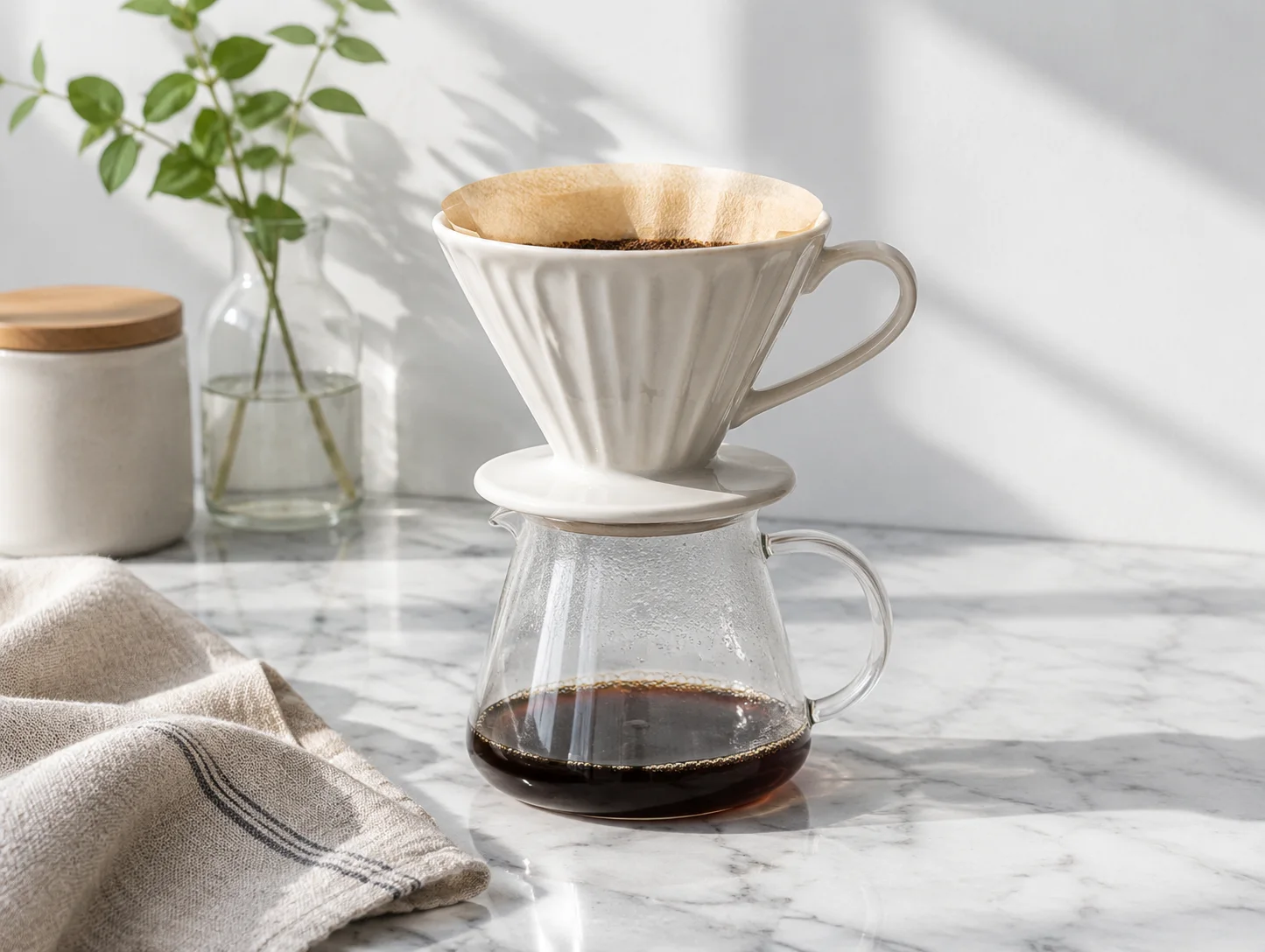
Minimalist ceramic pour-over coffee dripper on white marble generated with GPT Image 2

Studio product photography (4:3 · 1445×1088)

Minimalist ceramic pour-over coffee dripper on a white marble counter beside morning linen, crisp natural shadows.
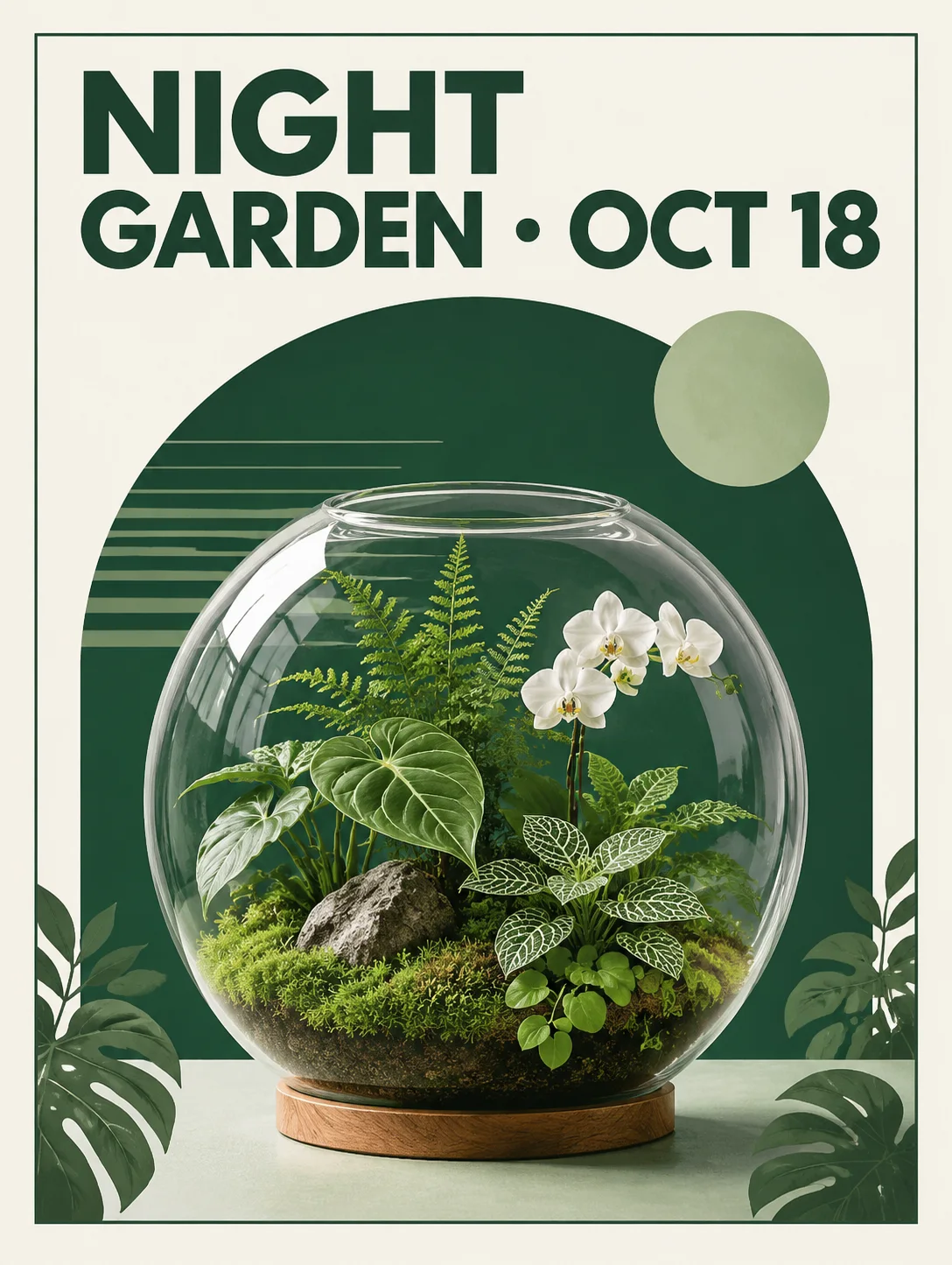
Botanical exhibition poster rendering NIGHT GARDEN · OCT 18 typography

Poster with quoted headline (3:4 · 1088×1445)

Retro-modern botanical exhibition poster featuring a glass terrarium and bold clean Swiss typography reading "NIGHT GARDEN · OCT 18".
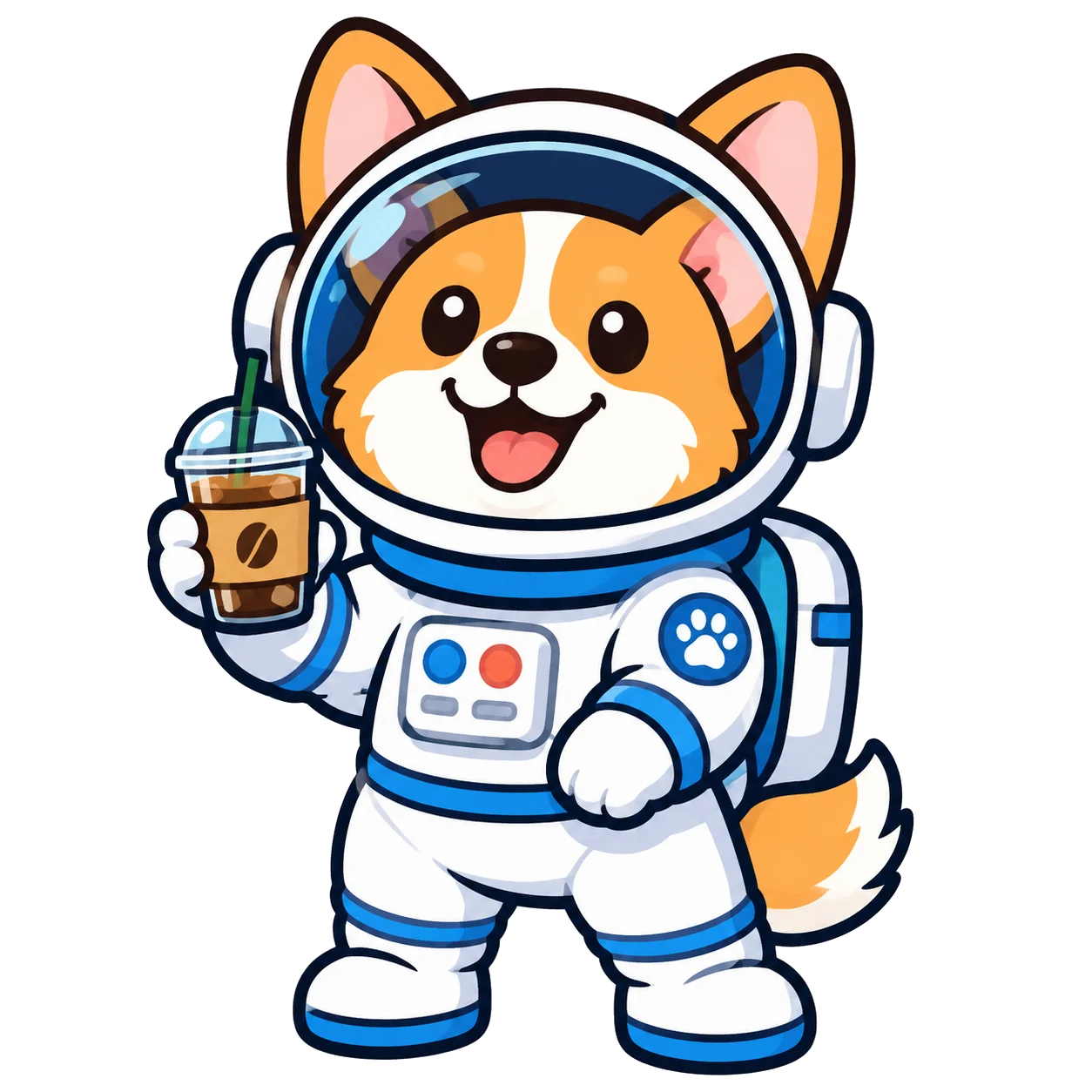
Transparent PNG corgi astronaut sticker over checkerboard with opaque white spacesuit preserved

Transparent PNG sticker (1:1 · 1254×1254)

A cheerful corgi astronaut holding a tiny iced coffee cup, bold dark outline, playful mascot illustration.

Output Sizes, Cutout & Quota Specifications

Measured output dimensions, automatic transparent PNG mode boundaries, and shared daily quota rates.

CapabilitySupported range & details
Model & prompt fidelityGPT Image 2 text-to-image endpoint (0 upload slots on this page), up to 2,000 characters in English or Chinese; runs your prompt verbatim with zero forced style presets when Transparent background is off.
Aspect ratios & measured sizes1:1 (1254×1254 measured), 4:3 (1445×1088 measured), 3:4 (1088×1445 measured), 16:9, and 9:16 (~1K–1.5K native cloud output, saved as movireva-gpt-image.png or movireva-gpt-cutout.png).
Automatic transparent PNG modeTurning on Transparent background renders your subject on a shadow-free white backdrop and automatically extracts RGBA transparency before displaying the image (using four-corner 4×4 median flood keying, halo removal, Grid / Dark / Light / Raw preview tabs, and click-to-clear for enclosed gaps like cup handles or letter O/A interiors with Undo). Best for closed-contour stickers, logos, and icons; switch to Raw for white outer borders, borderless white text, or semi-transparent smoke and glass.
Shared free quota & credit rateFree sign-in and daily check-in unlock 5 shared free runs per UTC day across Movireva's GPT Image tools (resets at 00:00 UTC), then a flat 4 credits per image from one-time packs starting at $6.90 for 400 credits (100 images at $0.069 each, down to $0.062 on the 5,000-credit Best Value pack; non-expiring while active, 7-day unused pack refund per Pricing and Terms).
Video & detail-edit handoffAnimate in Video Studio prefills your generated frame as the First frame in our 43-model AI Video Generator; Edit a detail sends the image via browser storage to our GPT Image Editor for local spot fixes.

Frequently Asked Questions

Why does typing "transparent background" in normal chat draw fake gray-and-white squares instead of a transparent PNG?

Standard chat image endpoints output flat RGB images without an alpha channel, so asking for transparency in text causes the model to paint literal gray-and-white checkerboard squares copied from stock previews. Asking in a follow-up turn to remove the background re-draws the whole scene and changes your character. Turning on Transparent background before generating avoids both issues by rendering on clean white first and delivering an already cut-out RGBA transparent PNG as soon as generation completes.

Do you add hidden style filters to my prompt, and how can I avoid overly warm or yellow indoor lighting?

No. When Transparent background is off, we send your prompt verbatim to GPT Image 2 with zero forced style or lighting presets. Because GPT models naturally lean toward warm golden-hour tones, skip vague modifiers like "cinematic" or "vintage film" when shooting clean product or indoor scenes, and include phrases like "clean neutral daylight, true whites" directly in your prompt.

How do I get clean, readable text on posters, covers, or thumbnails?

Place the exact 1 to 6 word headline inside double quotes directly in your prompt (for example, "NIGHT GARDEN · OCT 18") and select the 3:4 or 4:3 aspect ratio so letters have breathing room away from the borders. If a single letter drifts on a layout you like, send the image to our editor to fix just that word locally rather than re-generating the whole poster.

What can I preview before signing in, and how does the limited 5-per-day free quota work?

Before creating an account, toggle Transparent background (or pick the Corgi sticker starter idea) to inspect a real RGBA sticker cutout across Grid, Dark, Light, and Raw backdrops right in your browser. Once signed in with Google or email, daily check-in unlocks up to 5 shared free runs per UTC day across image generation and image editing from a limited daily free pool (no credit card or subscription required). If today's shared free pool is full, come back after 00:00 UTC tomorrow or continue immediately with one-time credits (4 credits/image).