Effects
AI Video Effects from One or Two Photos.
Create trending TikTok performances with AI video effects powered by Wan 3.0. Pick a preset routine, upload one or two clear photos of your pet or consenting people, and pay with one-time credit packs starting at $6.90 instead of a monthly subscription.
- Zero prompt writing
- 1–2 JPG, PNG, or WebP photos
- 9:16 vertical on Wan 3.0
- 400 credits ($6.90) · Shared studio balance
Workflow
How to Use AI Video Effects
- 1.Select Make yours on a template below to open its browser creator.
- 2.Sign in, add one or two clear JPG, PNG, or WebP photos, and choose Standard 480p (400 credits) or HD 720p (800 credits).
- 3.Click Generate effect to render a 9:16 MP4 with sound directly to your private Assets library.
 Two subject photos
Performance trend
Hotel Lobby AI
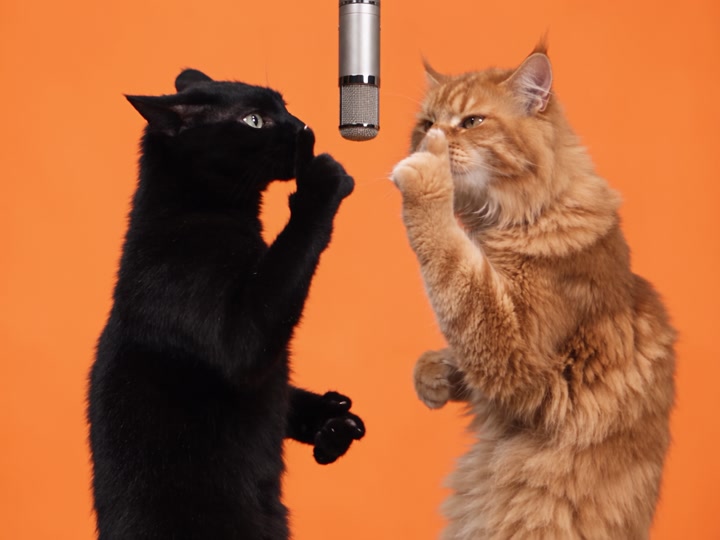
Place two consenting people, two pets, or one of each into the orange-booth rap duet: Left performer photo raps at the hanging mic while Right performer photo points, hypes, and checks the watch.
480p · 720pMake yours One subject photo
Performance trend
AI Singing Cat
Put your cat, your dog, or a consenting person into the mustard corduroy suit for a floodlit night-time tennis-court selfie belted out with one paw or hand raised.
480p · 720pMake yours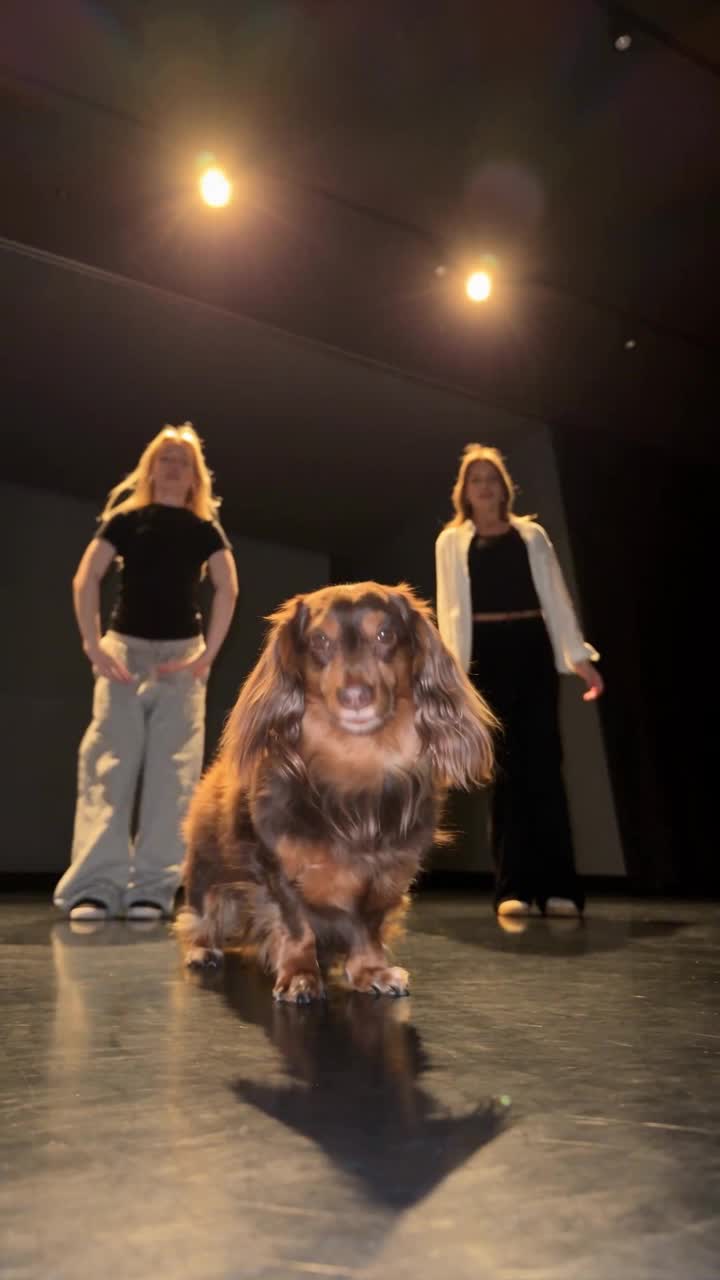 One pet photo
Performance trend
Dancing Dog AI
Put your dog or cat front and center on a spotlighted dance floor, tossing its head and ears on the Single Ladies beat while two backing dancers perform behind it.
480p · 720pMake yours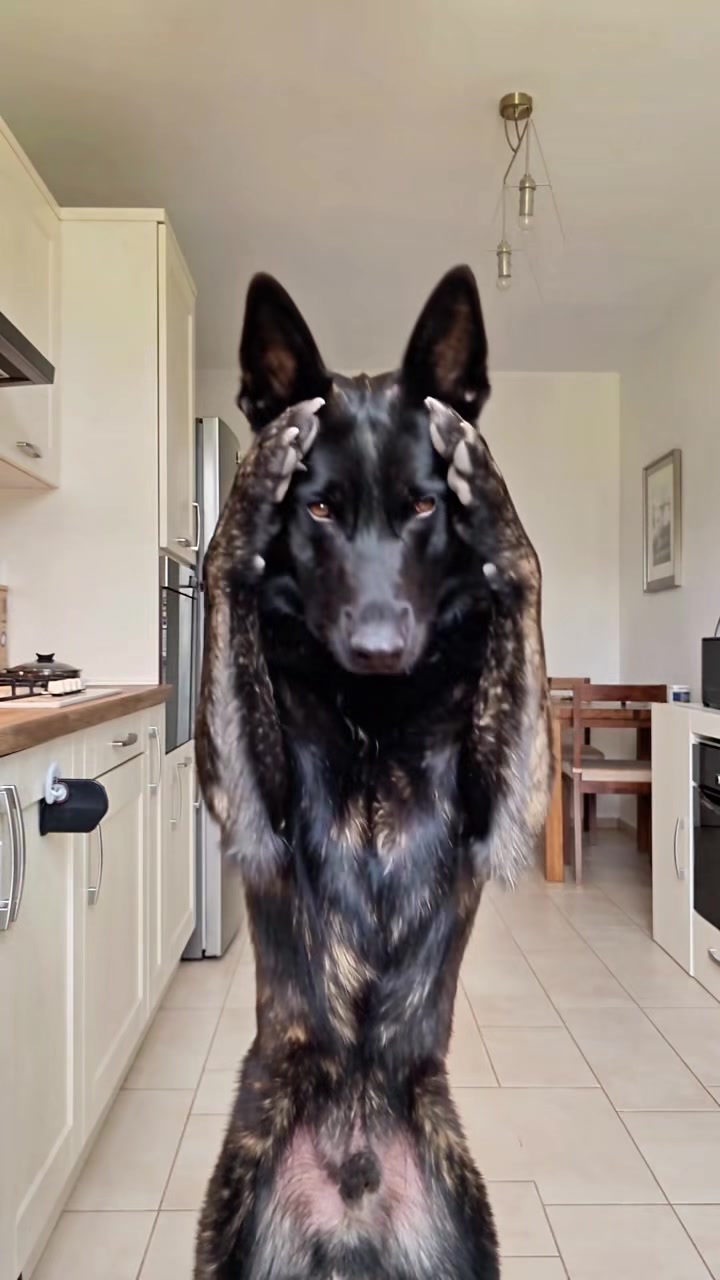 One subject photo
Dance trend
Bad Times AI
Put one consenting adult or your pet into the Bad Times routine: finger jabs at the lens, a palm slap over the frame, a fist to the forehead, and a wide-mouthed rush back to the camera.
480p · 720pMake yours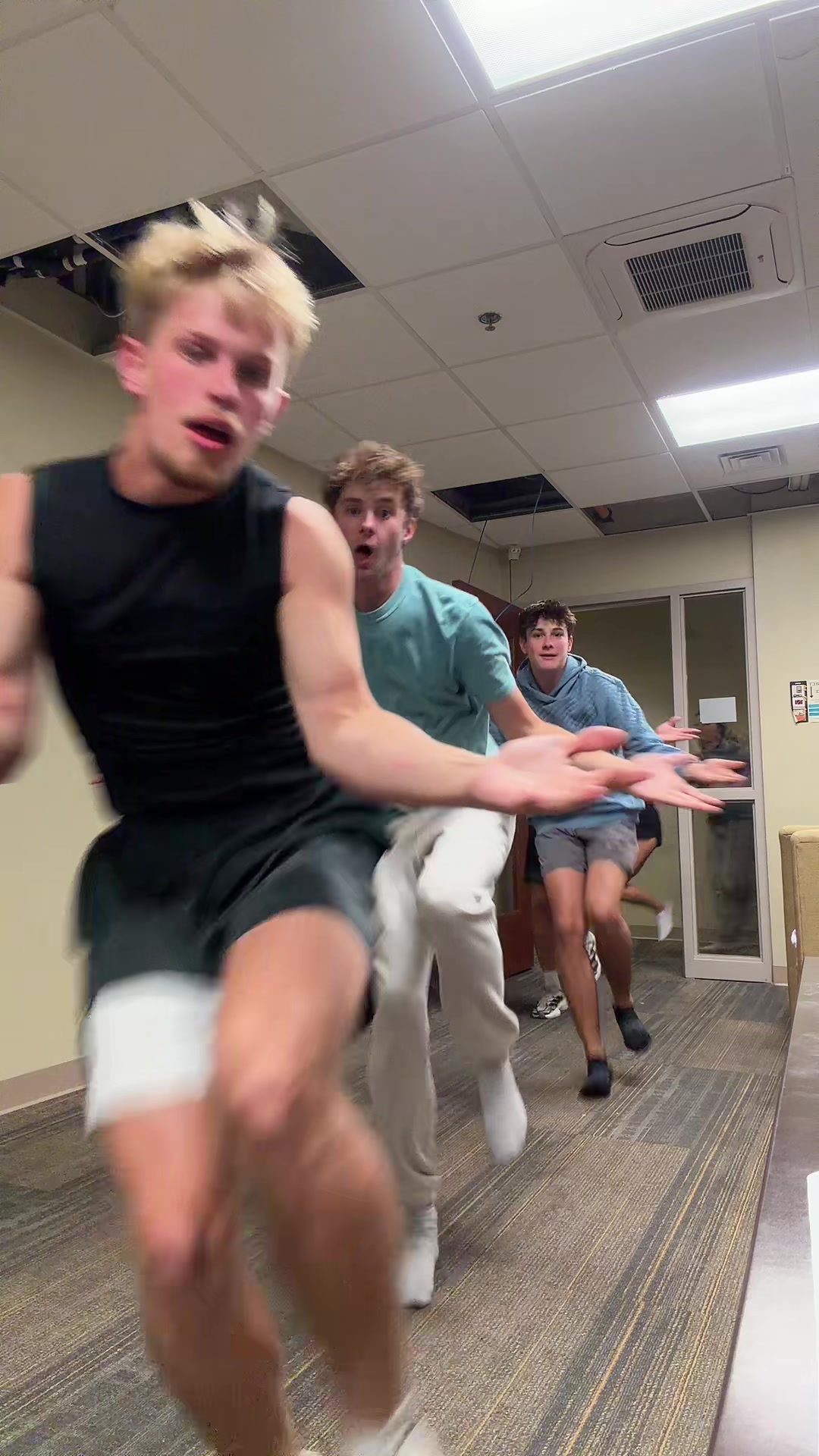 Two subject photos
Dance trend
Toc Toc AI
Place two consenting adults under the Las Vegas welcome sign for the Toc Toc door-knock dance: Left performer photo as the groom and Right performer photo as the bride, hopping, kicking, and knocking in sync.
480p · 720pMake yours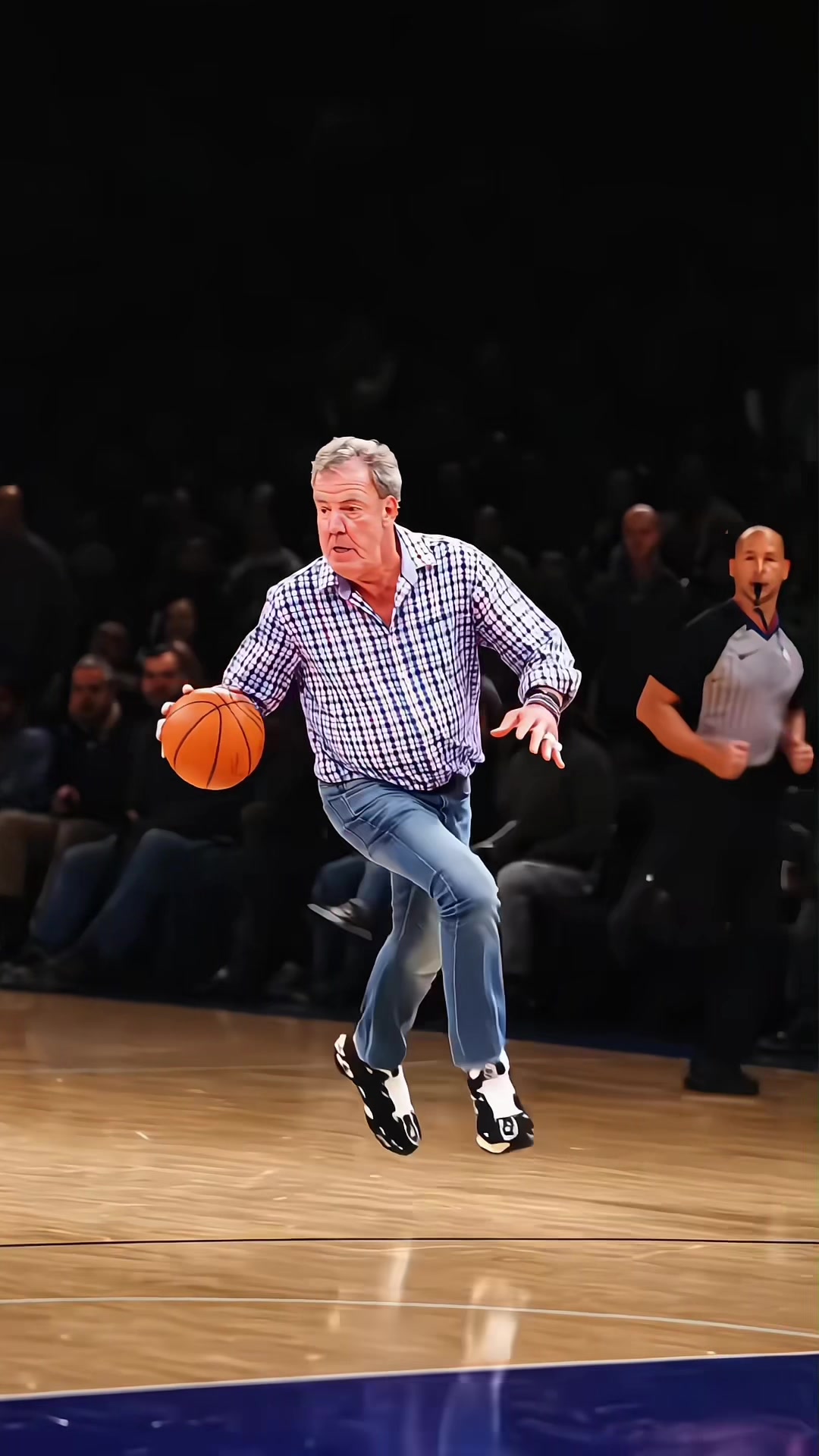 One subject photo
Sports trend
AI Dunk Video
Put one consenting adult on a packed basketball court: dribble in, accelerate toward the rim, take off, and finish a one-hand dunk under a low camera angle.
480p · 720pMake yours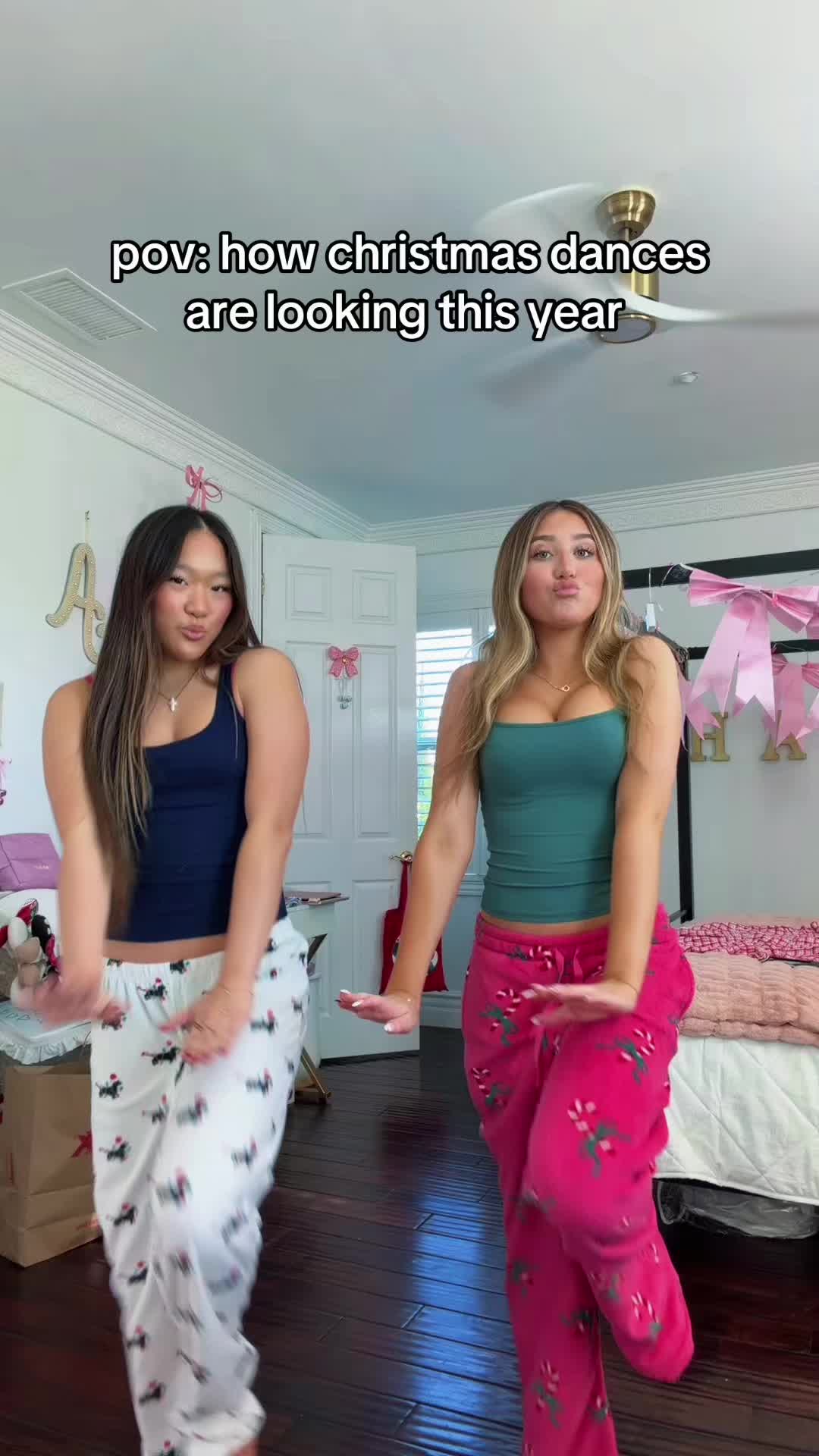 Two subject photos
Holiday trend
Christmas Dance AI
Place two consenting adults into the holiday duo dance by a lit tree and fireplace: Left performer photo and Right performer photo shake hands, sway deadpan, roll their hips, lift their knees, and finish with arm rolls.
480p · 720pMake yours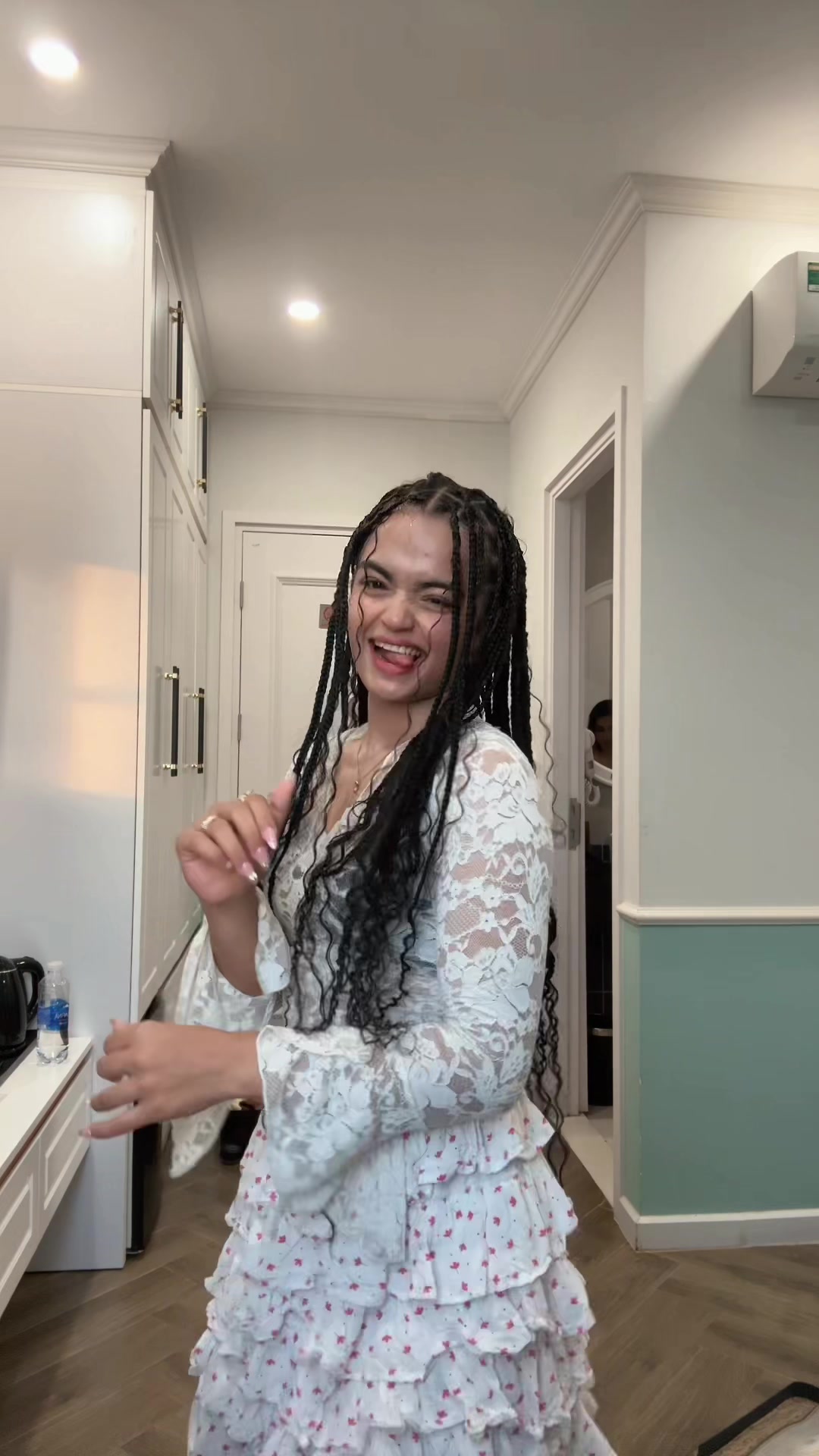 One subject photo
Dance trend
Dame Hombro AI
Put one consenting adult at the center of the Dame Hombro street routine: knee bounces with shoulders popping to the beat, a squat toward the lens, a close-up lip-sync, and a final arm pose.
480p · 720pMake yours
Template specifications
Compare photo requirements, sound, and credit packs
Every template in our AI video effects catalog runs in your browser with preset motion references, so you never film or upload a reference video. All 8 templates cost 400 credits in Standard 480p ($6.90 pack) or 800 credits in HD 720p ($12.90 pack, enough for 1 HD or 2 Standard clips), using one balance shared with the 43-model Video Studio.
| Template | Photos required | Allowed subjects | Output format | Sound handling |
|---|---|---|---|---|
| Hotel Lobby AI | 2 photos (Left performer photo + Right performer photo) | Consenting people, pets (natural fur kept), or 1 of each | 9:16 vertical MP4 | Original Hotel Lobby track included as a dedicated audio file |
| AI Singing Cat | 1 front-facing portrait | Cats, dogs, or consenting people | 9:16 vertical MP4 | Prompt follows the reference clip's I Wanna Love You music and timing |
| Dancing Dog AI | 1 front-facing pet photo | Dogs, cats, and four-legged pets only (no human photos) | 9:16 vertical MP4 | Prompt follows the reference clip's Single Ladies beat and timing |
| Bad Times AI | 1 front-facing photo | One consenting adult or one pet | 9:16 vertical MP4 | Prompt follows the reference clip's Bad Times song and timing |
| Toc Toc AI | 2 photos (Left performer photo as the groom + Right performer photo as the bride) | Two consenting adults | 9:16 vertical MP4 | Prompt follows the reference clip's Toc toc song and timing |
| AI Dunk Video | 1 front-facing photo | One consenting adult | 9:16 vertical MP4 | Prompt follows the reference clip's arena sound |
| Christmas Dance AI | 2 photos (Left performer photo + Right performer photo) | Two consenting adults (no children) | 9:16 vertical MP4 | Prompt follows the reference clip's holiday track and timing |
| Dame Hombro AI | 1 front-facing photo | One consenting adult (no children) | 9:16 vertical MP4 | Prompt follows the reference clip's Dame Hombro track and timing |
Each uploaded JPG, PNG, or WebP file supports up to 10 MB (20 MB combined), auto-resizes up to 2048 px, and includes an in-browser crop tool after sign-in. Purchased credits never expire while your account remains active.
FAQ
Questions before you pick a template
Clear answers on video models, input modes, credit packs, privacy, and commercial usage.
Need help with an order or project?
support@movireva.comIs there a free trial, and can unused credit packs be refunded?
New accounts start with 0 free credits, though watching the TikTok trend previews on each page is free without signing in. Every pack is a one-time purchase with zero monthly auto-renewal. If a pack has 0 credits used, you can request a full refund within 7 days by emailing support@movireva.com with your order ID (used packs are non-refundable except for verified duplicate charges, technical failures, or rights required by applicable law).
Can I upload my own MP4 video to add fire, sky, or post-production VFX?
No. Templates on /effects accept still photos only and replace the performer inside a prepared Wan 3.0 scene. To generate original VFX scenes, stylized lighting, or custom camera moves from text, start/end frames, or up to 30 reference images, open the 43-model Video Studio instead.
Which photos are not allowed, and what happens if a generation fails?
Do not upload public figures, performers from the original clips, copyrighted characters, NSFW or violent imagery, or anyone who has not explicitly agreed to appear. Movireva does not store your uploaded reference photos as files on its servers, and finished clips save privately in your Assets library. If a confirmed generation fails or times out, reserved credits return to your balance automatically.
Custom direction
Want to direct an original scene from scratch?
Switch to the 43-model Video Studio to create from text prompts, start and end frames, or up to 30 reference images using the same credit balance.